 OGame
Defense and fleetsave off in this version
When an attack comes
What the bot does with its missions and missiles when another player attacks you.
Disable missions in case of attack
Interplanetary anti-missile mode (beta)
What it does
Auto Fleet protects the fleet from attacks while spending very little deuterium. When an attack is incoming the bot keeps the attacked planet active and, between 2.5 and 5 minutes before impact, moves the fleet away. Espionage probes do not count.
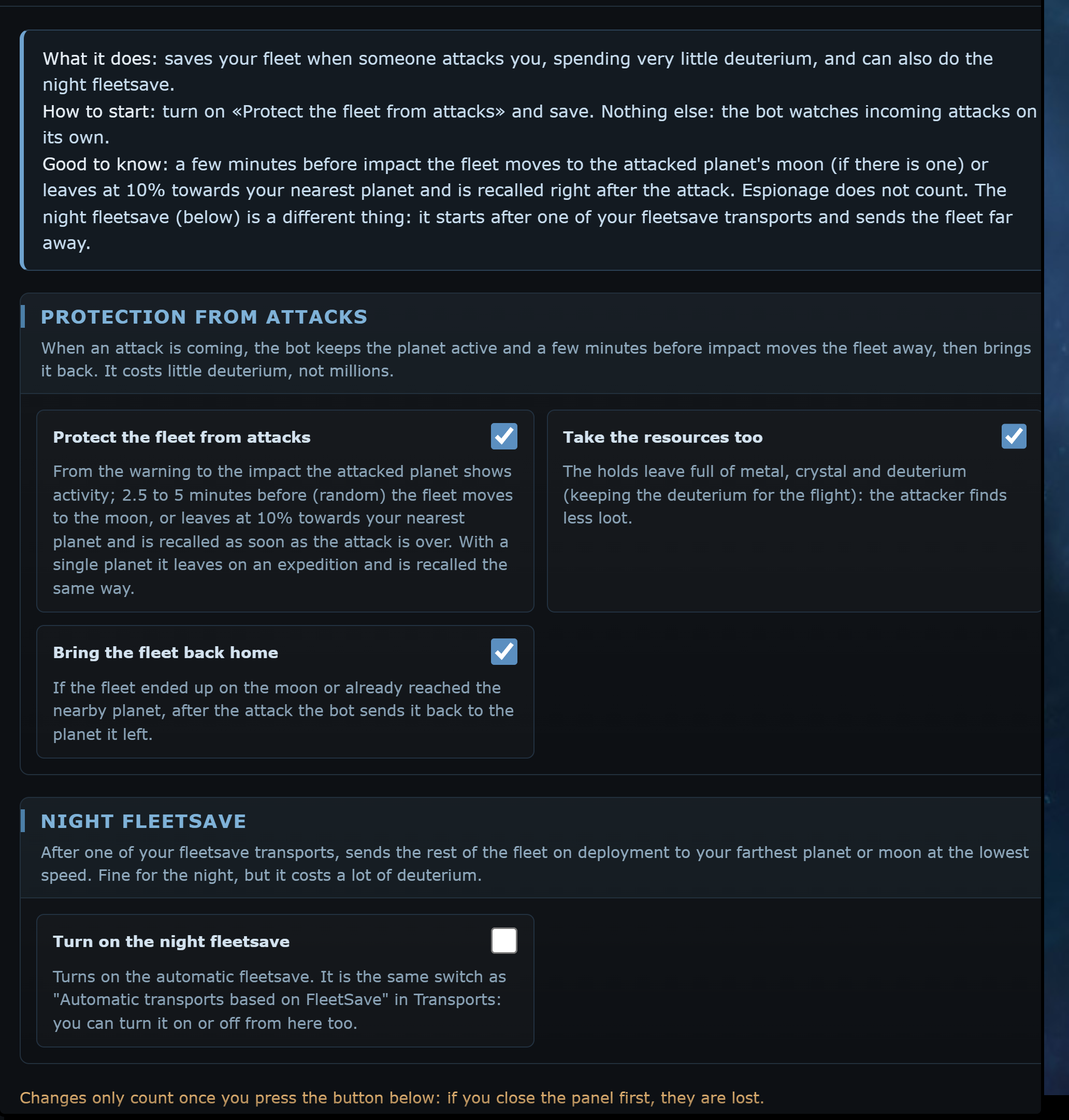
- if the planet has a moon, the fleet goes to the moon;
- otherwise it leaves at 10% speed towards your nearest planet and is recalled as soon as the attack is over;
- with a single planet it leaves on an expedition and comes back the same way.
At every step you get a Telegram alert: attack incoming, fleet moved, fleet recalled, or a warning if it could not move it.
Night fleetsave
This is the old fleetsave, separate from the protection. When the automatic fleetsave transport leaves, Auto Fleet sends the rest of the fleet on a deployment to your farthest planet or moon, at the lowest speed. A deployment does not come back: there is no return trip for anyone to intercept. It suits the night, but costs a lot of deuterium.
Safety checks
- The night fleetsave never leaves towards a coordinate that has a hostile fleet incoming itself.
- If the arrival does not come after the last incoming attack, it tells you in the log and on Telegram.
- Stop all actions also cancels a pending fleetsave.
Anomalies (Project Orion)
When it shows up
It handles Project Orion anomalies: it produces lithium, scans for and activates battle anomalies, sends the fleet to them and collects the rewards. Every function has its own switch; without Enable Orion the menu only shows the status.
The box at the top shows:
- the planets with a Scanner and its level;
- your current lithium, with the hourly production;
- the anomalies seen in the galaxy: coordinates (linked to the system), name, level, stars (the difficulty), whether it is PvP and the minutes until it disappears.
Lithium is obtained only by converting metal, crystal or deuterium on a planet that has the Scanner. It is a single pool shared by all your planets and pays both for scans and for claiming mission rewards.
Enable Orion
Produce lithium
Collect rewards
Scan and activate anomalies
Anomaly level to scan for
Also accept PvP anomalies
Send the fleet to anomalies
Alert me about new anomalies in the galaxy
Delivery anomalies and PvP ones (unless you accepted them) are left to you: the bot does not touch them.