OGame
Automatic login gets you back into the universe by itself if the game sends you to the lobby or the session expires, so automatic missions do not stop.
Settings
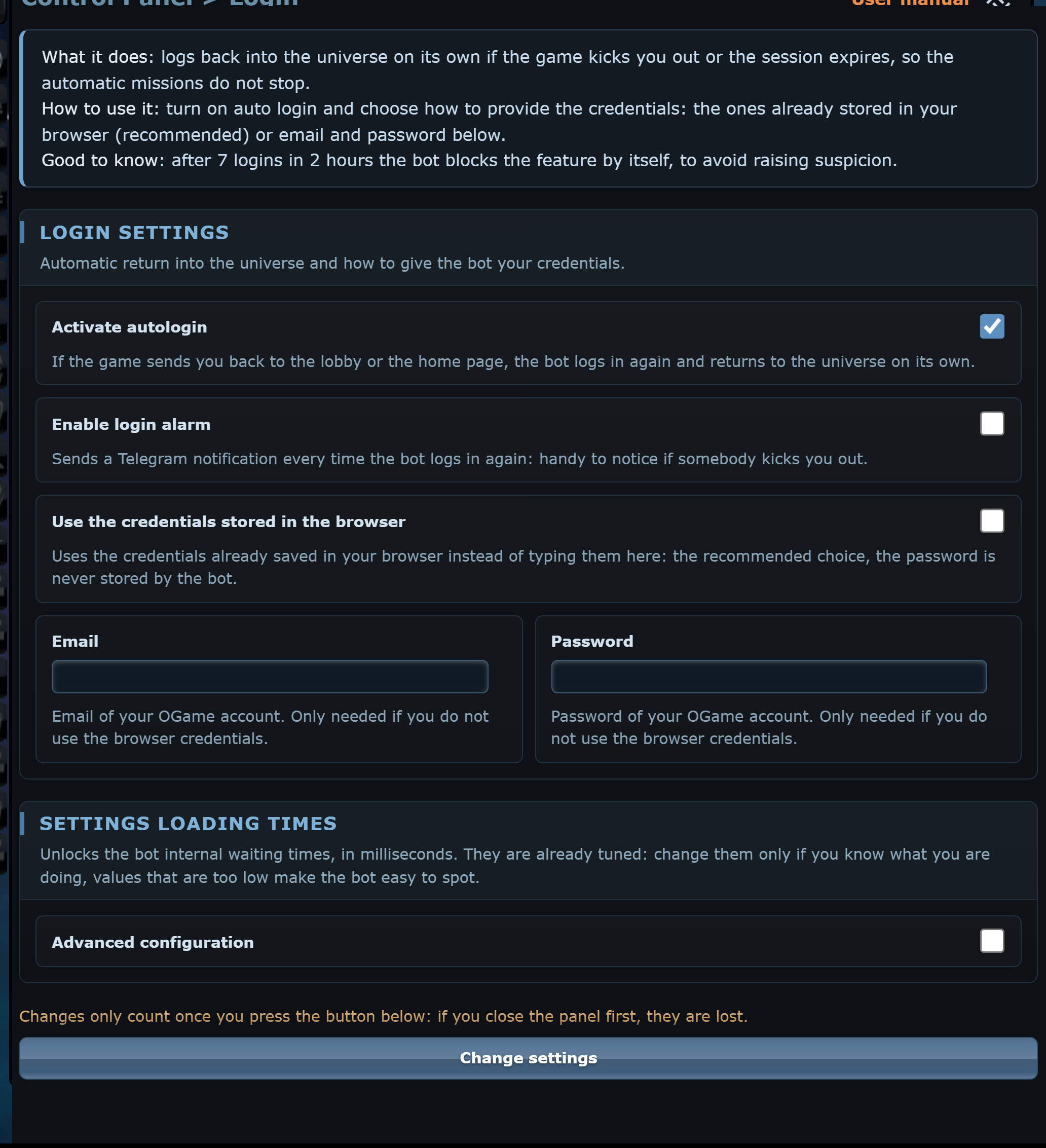
Activate autologin
If the game sends you back to the lobby or the home page, the bot logs in again and returns to your universe. Since 9.3.7 the automatic login enters the game in the same tab: before, the browser blocked the new window opened by the lobby's Play button and the login stopped there.
Enable login alarm
Sends a Telegram notification at every automatic login: useful to notice if someone kicks you out. It appears only with Telegram linked.
Use the credentials stored in the browser
The recommended choice: the bot uses the e-mail and password saved in the browser and does not store them. If you turn it off, the Email and Password fields appear.
Safety lock
After 7 logins with less than an hour between one and the next, the bot locks the feature until your next manual login, so the game does not get suspicious. If login fails 3 times in a row it tries again after 10 minutes.
Advanced timings
Retry login
Time in milliseconds (default 10 × 60 × 1000 = 10 minutes) the bot waits before trying again after failed logins.
Number of attempts to login
How many times the bot retries the login if you log in from another device.
Number login block
Maximum number of automatic logins: once exceeded, automatic login is locked.
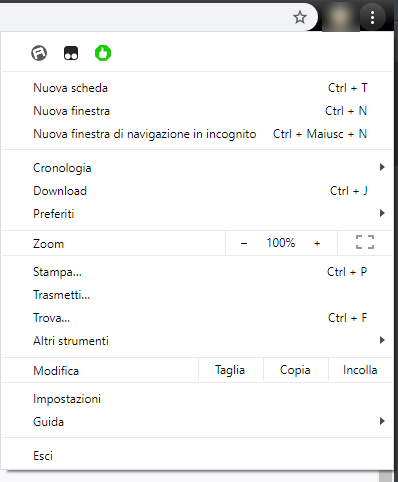
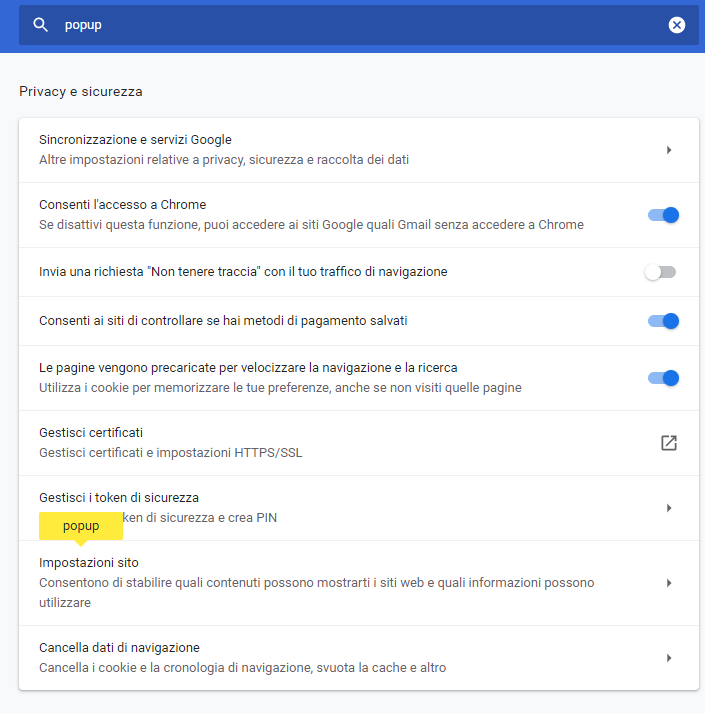
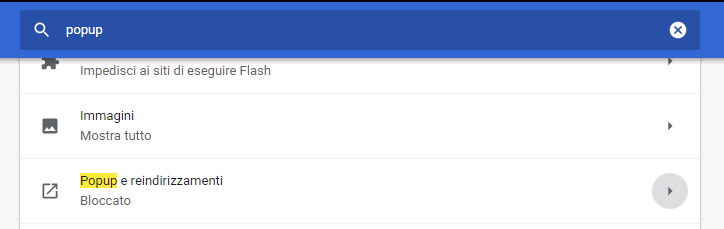
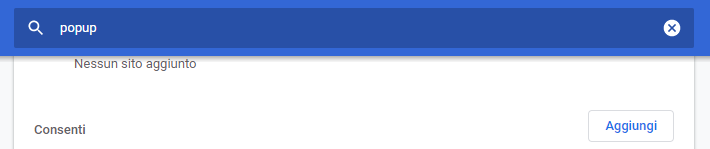
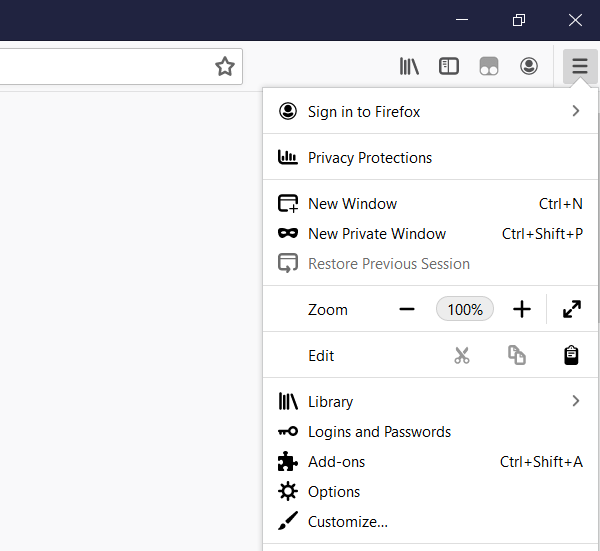
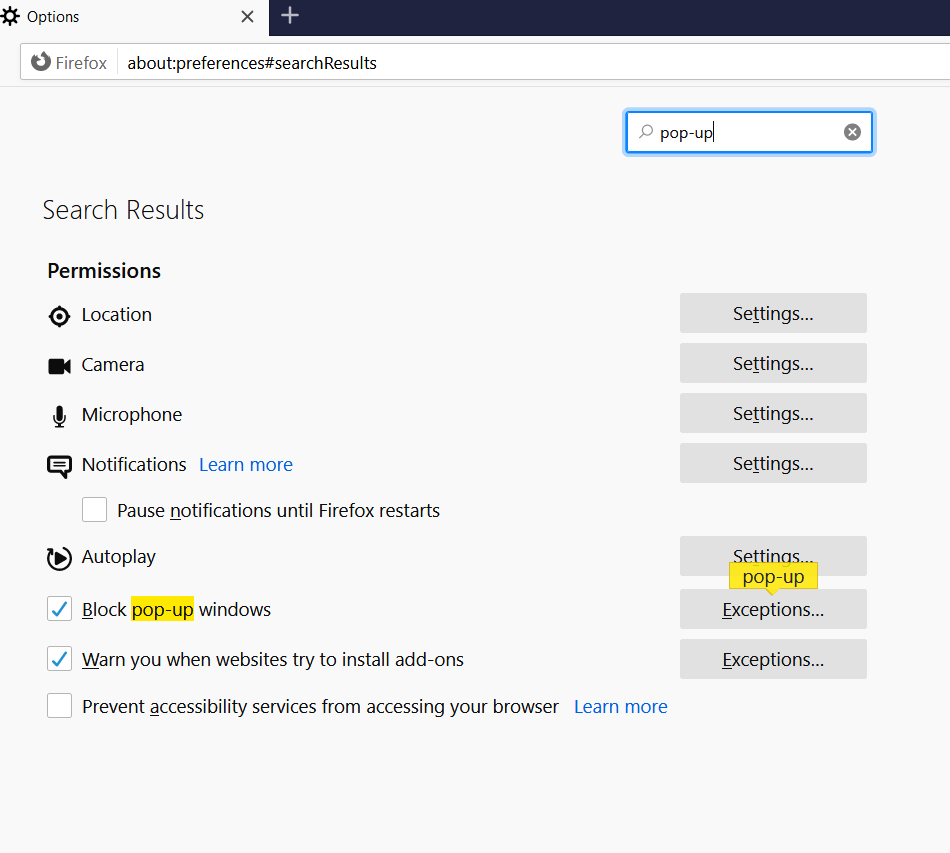
Allowing pop-ups
Warning!
With automatic login you must let the browser open OGame pop-ups, otherwise the tab gets closed.