 OGame
How it works
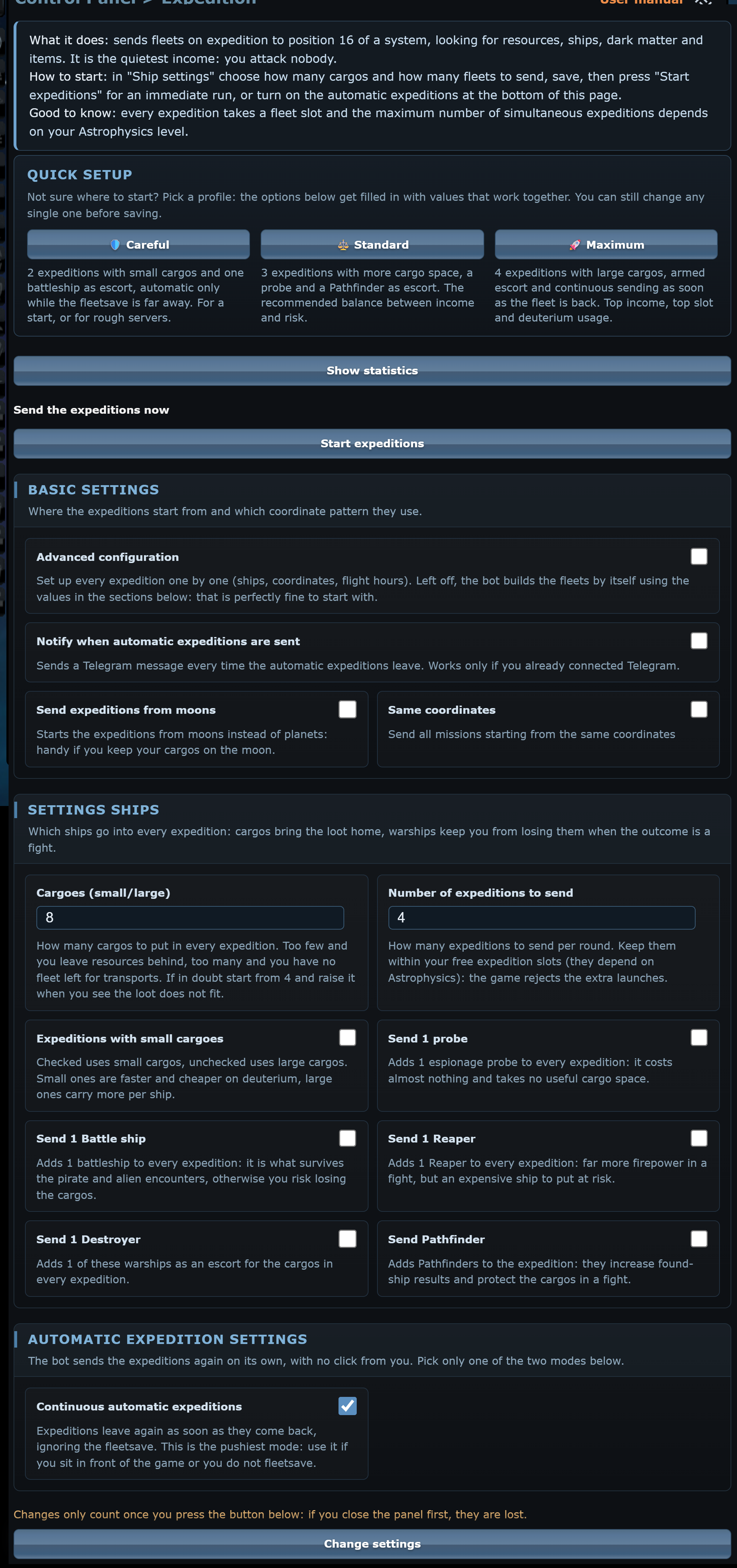
The bot sends fleets on expedition to position 16 of a system, where you find resources, ships, dark matter and items. It is the quietest income: you attack nobody.
- The fleet is built from the ships you really own: if you don't have enough of the chosen cargo type it uses the other one, escort ships are added only if you have them.
- The number of simultaneous expeditions depends on Astrophysics: the bot reads it from the Research page and never sets more than the game accepts.
- Each expedition takes one fleet slot.
Start in 4 steps
- Open Expedition and pick a Quick setup profile.
- In Ship settings check how many cargoes and how many expeditions to send.
- At the bottom choose the automatic mode, continuous or fleetsave-based, and press Change settings.
- Press Start expeditions for the first departure, or wait for the bot to send them by itself.
Quick setup
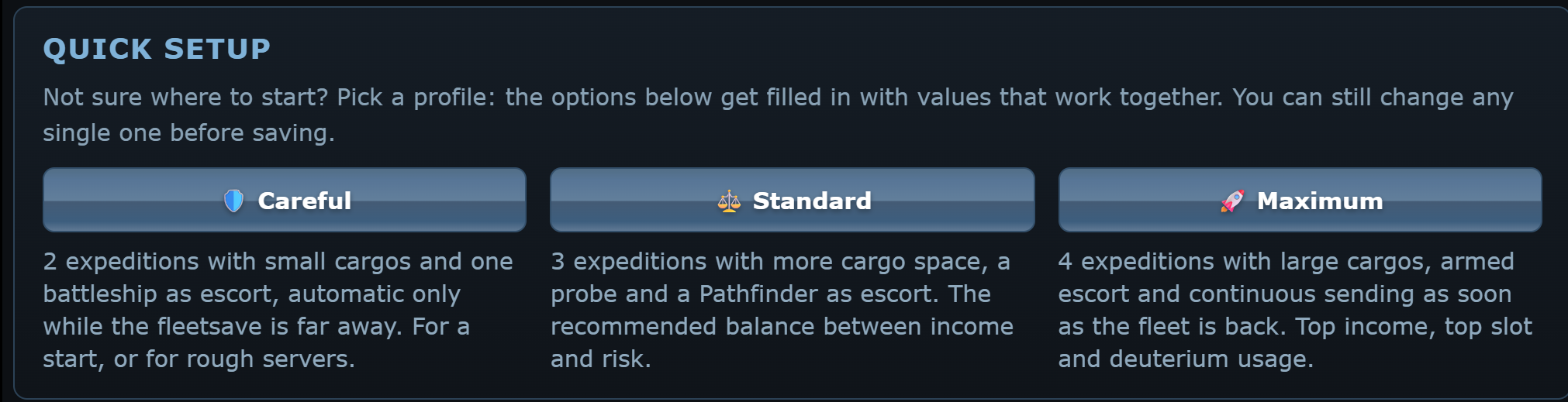
- 🛡️ Careful: expeditions on half of your slots, with small cargoes and a battleship escort, automatic only when the fleetsave is far off. To get started or for dangerous servers.
- ⚖️ Standard: expeditions on all your slots but one, with more cargo space, a probe and a Pathfinder. The recommended compromise.
- 🚀 Maximum: expeditions on all your slots, with large cargoes, an escort and a new departure as soon as the fleet returns.
The number of expeditions is capped at your real Astrophysics slots; the Discoverer uses all of them. The profile fills in the form but does not save.
Basic settings
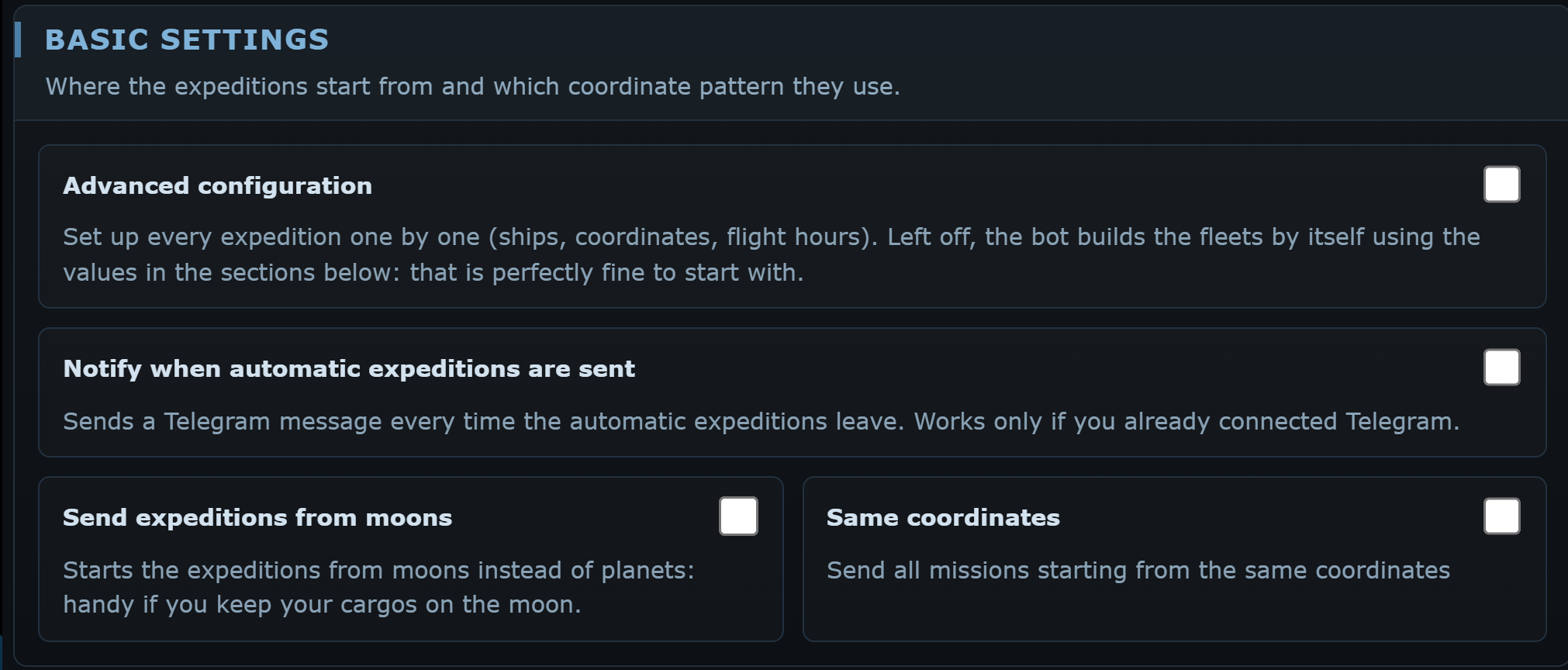
Advanced configuration
Notify when automatic expeditions are sent
Recycle debris
Send expeditions from moons
Same coordinates
Ship settings
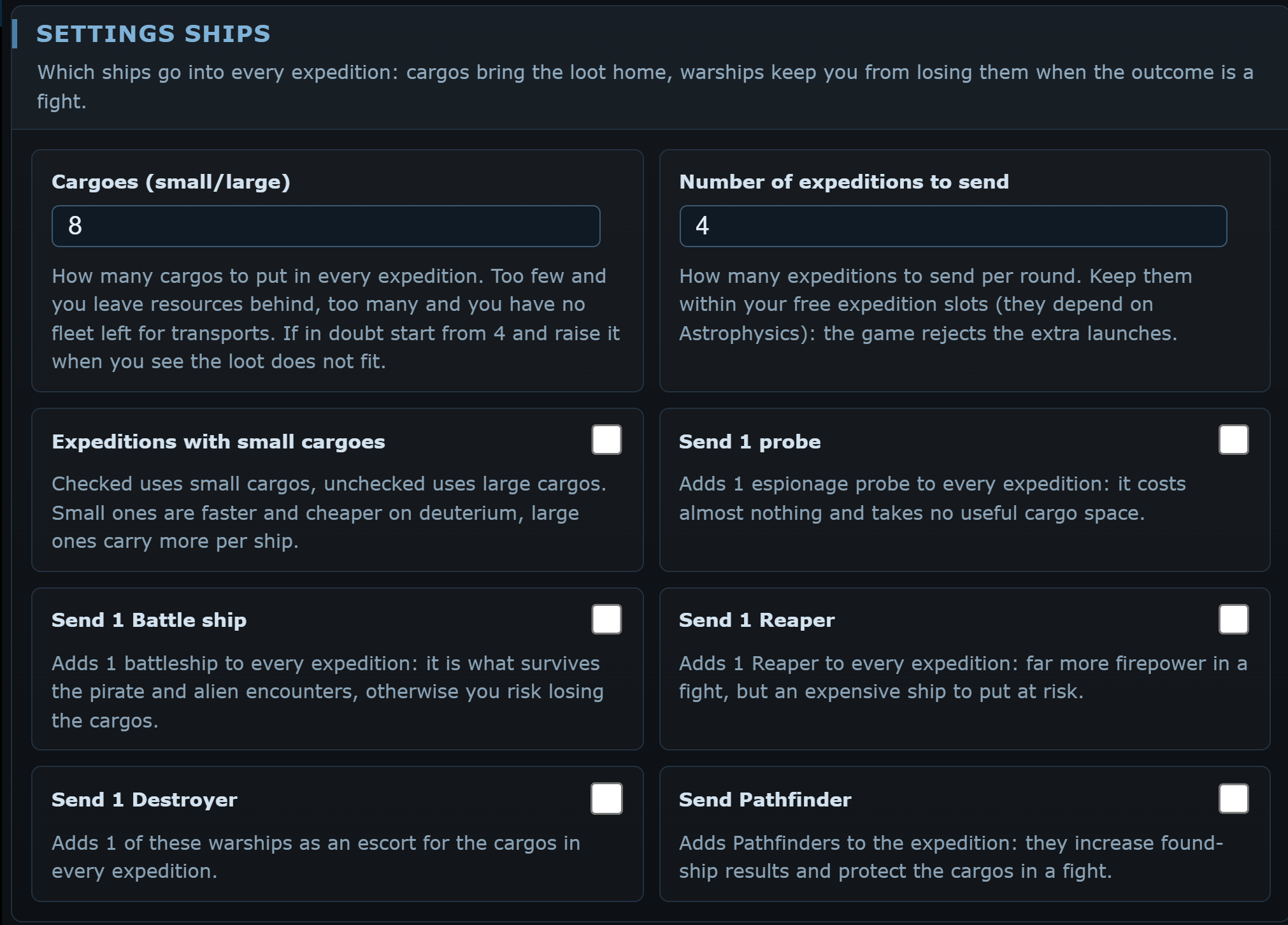
Cargoes (small/large)
Number of expeditions to send
Expeditions with small cargoes
Send 1 probe, 1 Battle ship, 1 Destroyer, 1 Reaper
Send Pathfinder
Advanced configuration
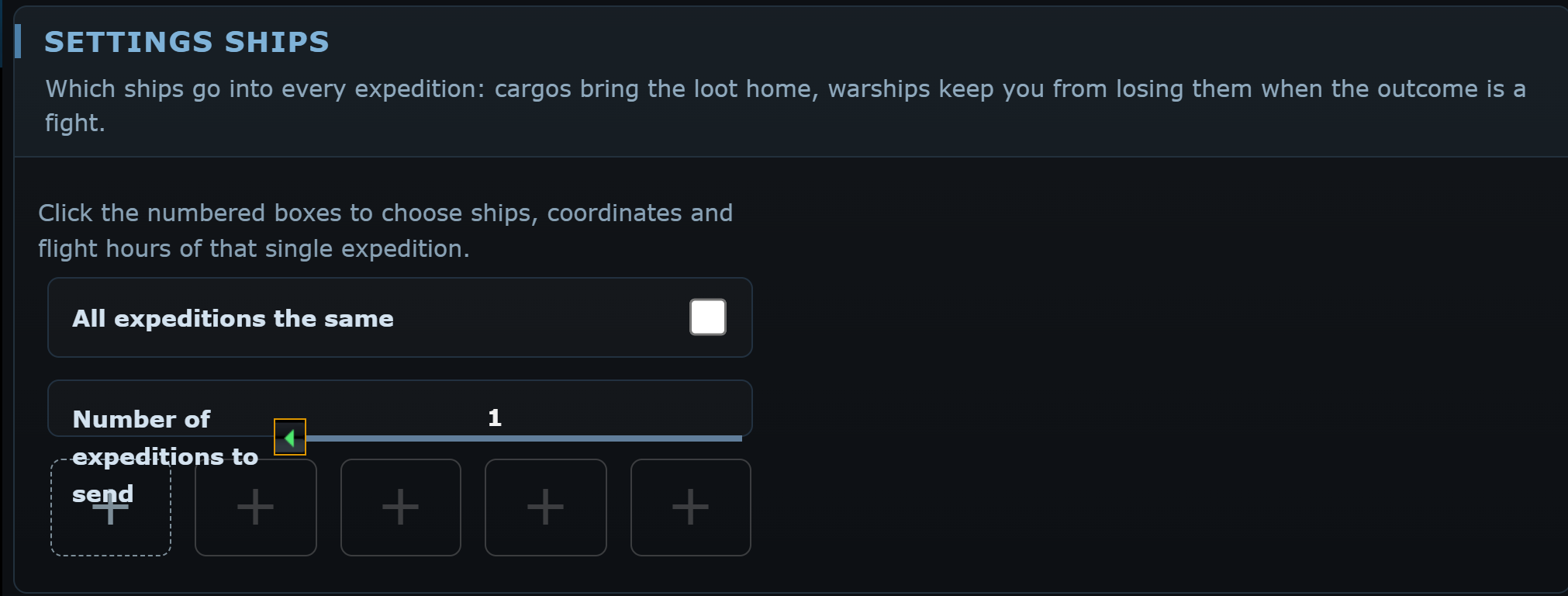
With Advanced configuration on, numbered tiles appear, one per expedition slot. Click a tile to choose the ships, starting coordinates and flight hours of that expedition; the form also shows a rough estimate of what you may find.
All expeditions the same
Send expeditions (+1 SS / -1SS)
Number of expeditions to send
Automatic expeditions
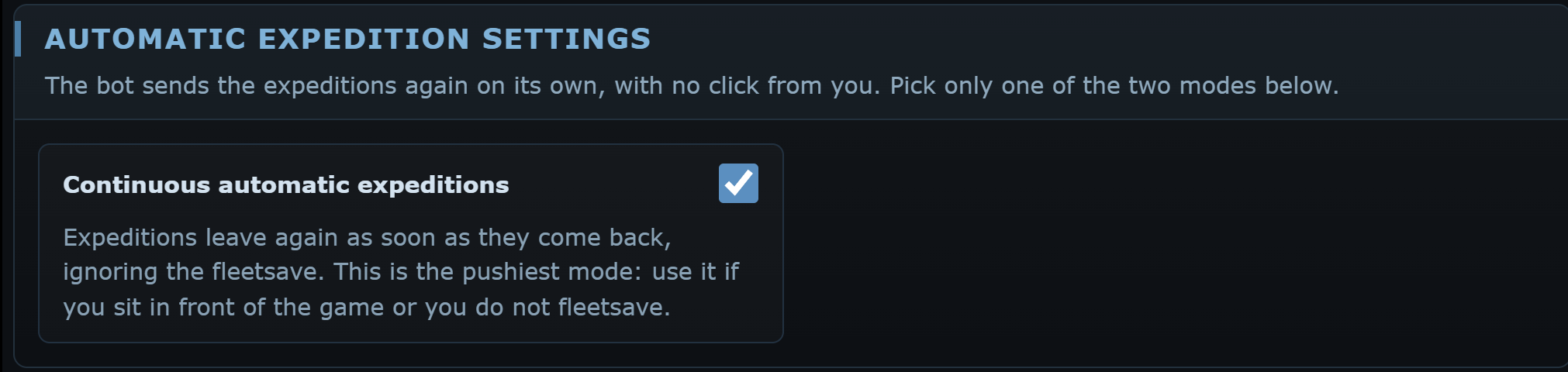
Choose only one mode:
Continuous automatic expeditions
Automatic expeditions based on fleetsave
Minimum fleet time
Statistics
Show statistics opens the summary of the recorded expeditions: total, resource gain (resources found plus the value of the ships found, with the average per expedition), dark matter, ships found, pirates and aliens, delays and early returns, fleets destroyed, merchants, items and empty results, each with its percentage. The data is read from the expedition reports in every language.